Create your adult profile
Sign in using the method available on your platform, confirm that you are 18 or older and fill in only the details you want to show. Optional information stays private until you choose to publish it.

How it works
Set up your profile, start a proximity session and decide which invitations you want to consider. You stay in control of your visibility and the information you share.
Sign in using the method available on your platform, confirm that you are 18 or older and fill in only the details you want to show. Optional information stays private until you choose to publish it.
Simply indicate your availability and the kind of meeting you are interested in. You can change this or turn off visibility whenever you want.
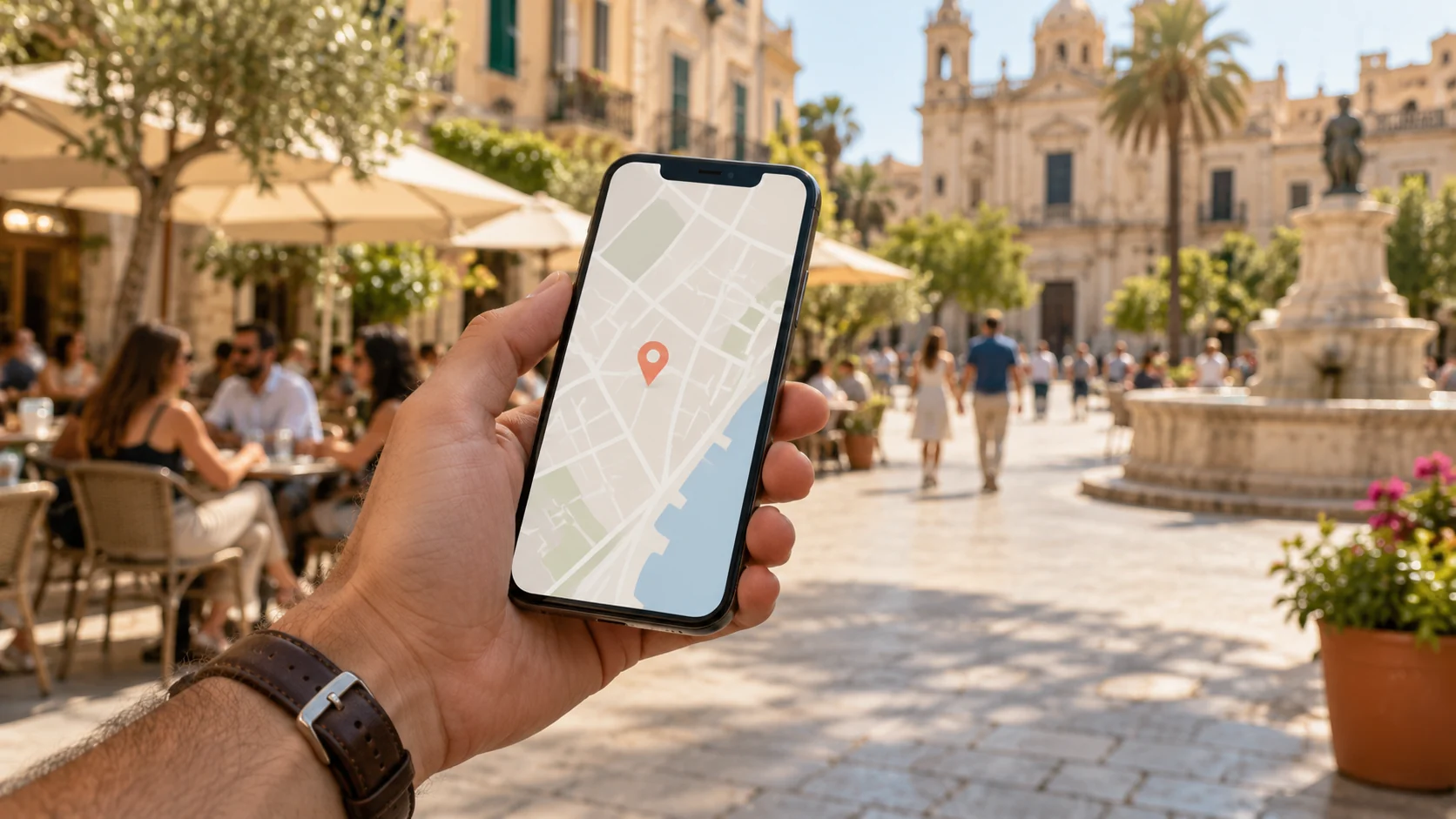
Location is needed to calculate proximity. The session duration depends on your plan and does not turn your position into an exact public address.
The radius, zoom and results adapt to your active plan: 100 m, 250 m or 500 m. The distance shown may vary depending on device accuracy and surroundings.
Basic can receive and accept invitations. Super and Pro can also send them. For Bluetooth proximity, the system is designed to transmit a private technical token, not the full profile.
There is no in-app chat. Share contact information only if you feel comfortable doing so, respect any refusal and block or report unsafe behaviour.
What each person controls
ToMatch is designed with state hoisting and centralised rules in the app, but the experience comes down to simple choices for the user.
You turn your session on and off. If you do not allow location access, the map and visibility will not work.
Physical details, contact information and other optional details must not be published without an explicit choice.
You can accept, decline, block or report. You are not obliged to reply or continue a meeting.
Bluetooth with context
When Bluetooth is used, the interface should show clear statuses: searching, device found, sending, sent, declined, cancelled or error.
Important
Someone can be nearby and still provide false information. Check the context, do not move the meeting to an isolated place and report any impersonation.
Read the safety guideWhat ToMatch is not

The number of people depends on the location, time, their settings and the plan’s range.
GPS and Bluetooth have margins of error and may behave differently indoors.

Rules and moderation reduce risks, but they do not replace your judgement or emergency services.